You choose every connection
Children cannot add friends, accept invites, or create groups. Every relationship begins with a parent and stays visible to a parent.
 Parent-supervised voice
A walkie-talkie made for their world—and managed by yours
Short voice clips give children the fun of a walkie-talkie. Parent-owned contacts, schedules, groups, and Kid Mode keep the boundaries clear.
Built around a simple family promise
talkiwalk gives children a friendly way to hear from people they know without handing them an open-ended social network. Parents remain the owners of every connection and permission.
Parent control
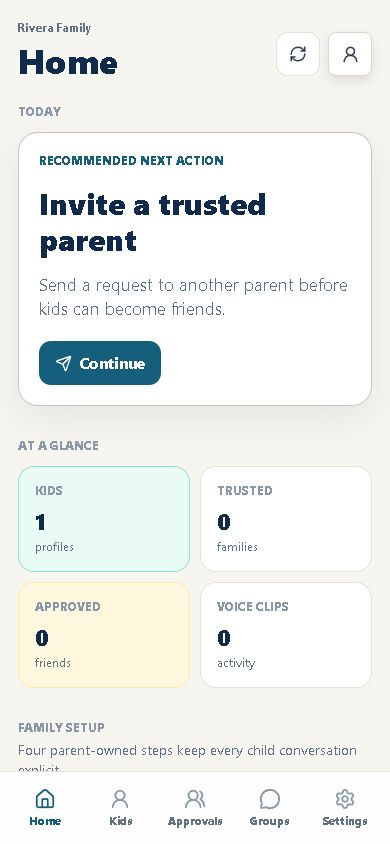
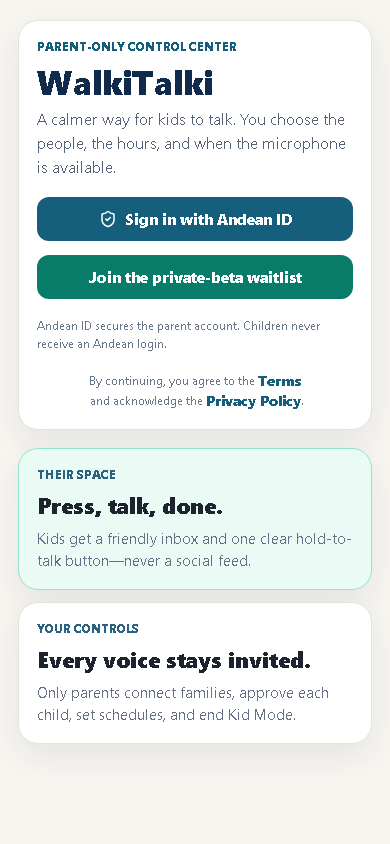
See what needs attention, approve a connection, set a schedule, and open Kid Mode from one guided home. The next safe step is always easier to find.
Children cannot add friends, accept invites, or create groups. Every relationship begins with a parent and stays visible to a parent.
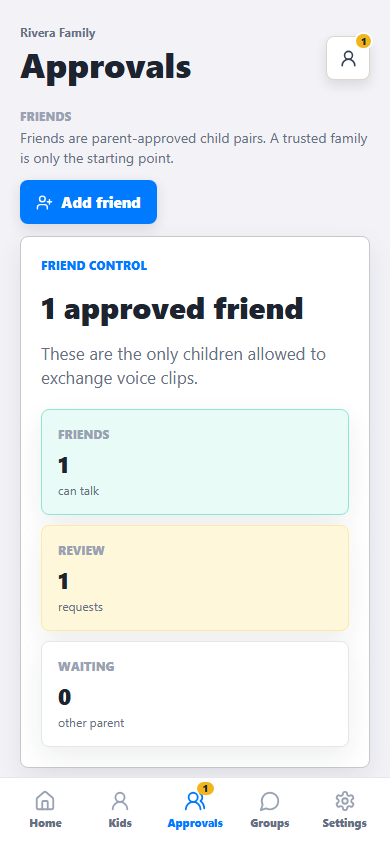
Connecting with another family does not automatically connect the children. You approve each child-to-child conversation separately.
Set the hours that work for your home, choose the device, and end Kid Mode whenever it is time to move on.
Kid experience
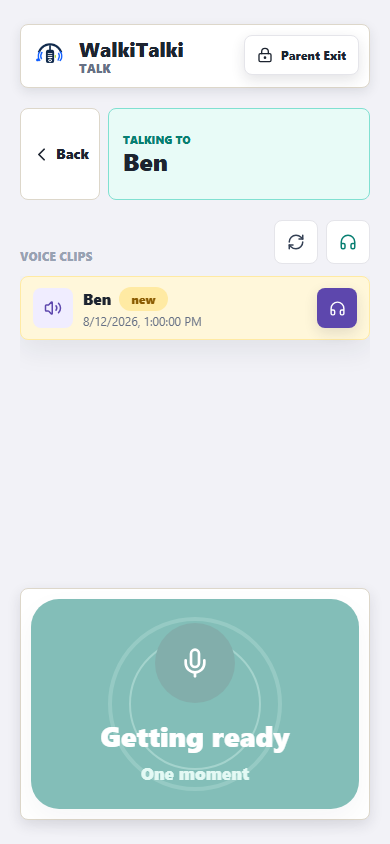
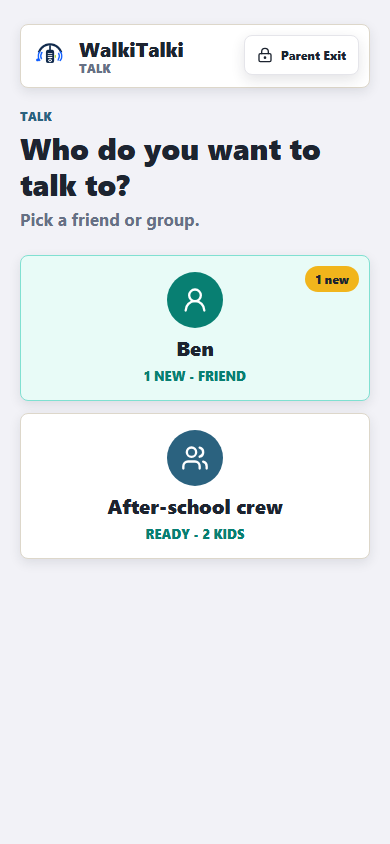
Approved people appear as friendly choices. The inbox works even when recording is unavailable, and the child never sees connection or permission controls.
Kids hold to record and release to send a short voice clip. There are no public profiles, follower counts, or open contact lists.
New clips wait until your child is ready to listen. If microphone access is off, listening still works.
Conversation Mode can play approved clips during a short active session. Messages remain voice clips—not an always-open audio channel.
Product screens
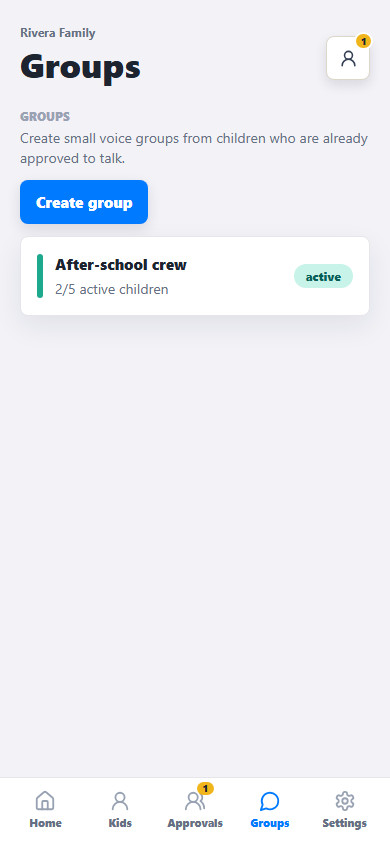
Parent Mode makes permissions and readiness visible. Kid Mode removes the administration and keeps the focus on listening and talking.
How it works
Family trust, child permission, and Kid Mode are separate steps. That little bit of intention is what keeps children from opening communication paths on their own.
A verified parent signs in with Andean ID. If no talkiwalk membership exists, family setup starts after login.
Send an invitation to a family you know. The other parent must accept it.
Both parents review and approve the specific children who may talk.
The child records a short clip. Their approved friend receives it in a simple inbox.
Revoke a permission, disable a device, or end Kid Mode. New communication is blocked immediately.
Safety model
The interface stays simple, while the service verifies the child, session, device, schedule, contact permission, and group membership before accepting a voice clip.
Already invited?
Parent Mode starts at the production talkiwalk app. Family setup happens only after a verified parent login.
Common questions
talkiwalk is deliberately narrower than a general messaging app. Here is what that means in everyday use.
No. The core experience uses short voice clips. Conversation Mode can auto-play approved clips for a limited time, but it is not an open live audio stream.
No. Only a parent can connect families, approve a child pairing, create a group, or change communication permissions.
Your child can still open Kid Mode and listen to their inbox. Recording stays unavailable until a parent enables microphone access.
talkiwalk keeps groups intentionally small. The default limit is five children, and the hard maximum is ten. Each family approves its own children.
Yes. Parent controls can revoke a child permission, remove a group member, disable a device, or end a Kid Mode session.
Contact us
Ask about the private beta, parent controls, privacy, account help, or a partnership. Your message goes directly into the talkiwalk support inbox.
Do not include a child’s full name, voice recording, password, or other sensitive information.
Early access
Join the private beta for product updates and early family access. We will only use these details to respond about talkiwalk.